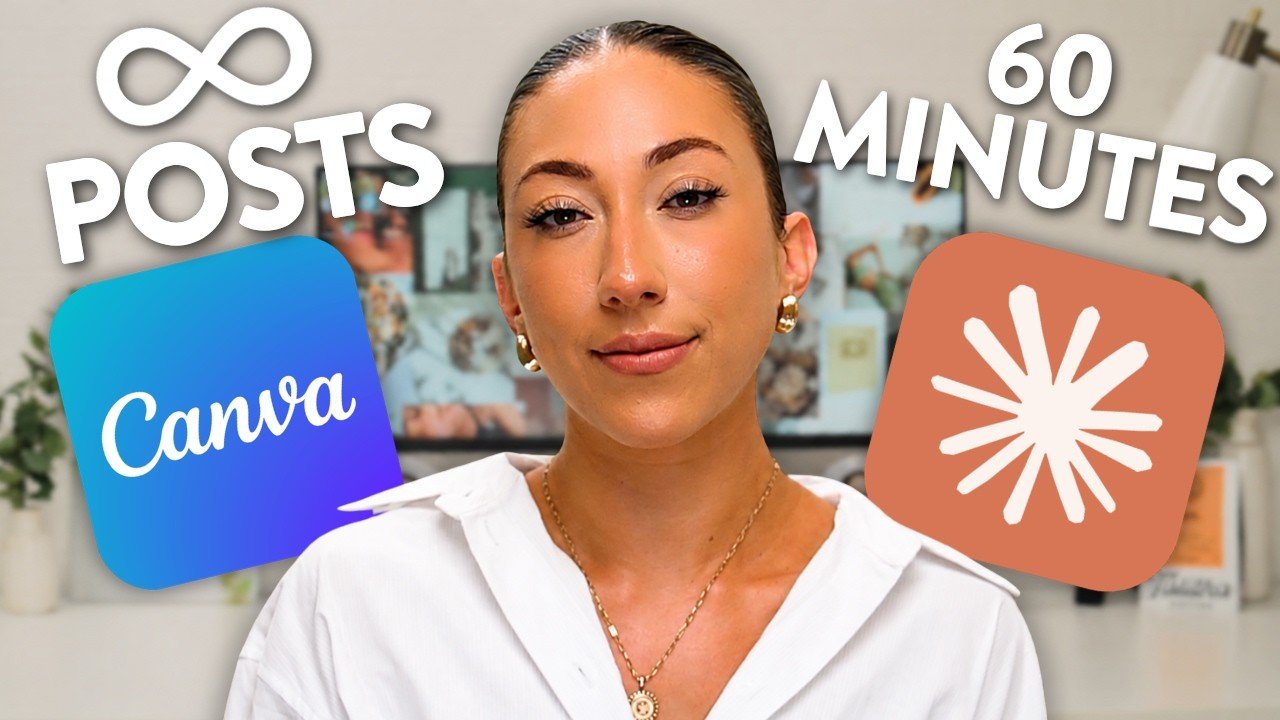
The hot latte was already steaming when the content creator coach settled in to solve a problem she had been sitting on for two years. Her original tutorial on generating 200 social media posts in 10 minutes had become outdated as AI shifted underneath it, and now she had a better way. The goal was not to flood the internet with generic content for the sake of filling a calendar. The goal was to build a system where one well-constructed prompt could produce polished, on-brand posts that an audience would actually want to stop and read.
Setting up Claude and Canva to talk to each other
The foundation of the system lives inside Claude’s project settings, not inside a standard chat window. Projects are folders of multiple chats, and the real power is that each project carries its own permanent instructions. That means Claude learns a creator’s target audience, brand voice, content pillars, and personal goals once, and never needs to be told again. The setup prompt covers platform, posting format, and follower goal. In the example she walks through, the project is named for a brand and its target platform, with the description reading something like: ‘I am a content creator coach trying to grow to 500,000 followers on Instagram in six months with reels and carousels.’
Connecting Claude to Canva happens inside Claude’s account settings under a section called connectors. Once Claude is granted full permissions to integrate, the two platforms are live with each other. What makes the combination work, she explained, is the division of labor: ‘Claude is your strategic thinker and Canva is your creative design.’
The step most people skip, she argues, is building the Canva brand kit and branded templates before asking Claude to create anything. The brand kit stores colors, fonts, and uploaded photos. The branded templates go further: a carousel template, a single-image motivational quote template, and a reels template, each with text fields clearly labeled so Claude knows exactly where to place a heading, a subheading, a step, or a call to action. Any element that should never change gets locked inside Canva, so Claude cannot touch it. The templates are saved directly to the brand kit folder, which means Claude will always make a copy rather than overwriting the original.
Batch creating carousels, quote posts, and reels in one sitting
For single-image motivational quote posts, the workflow runs like this. Claude generates a list of 20 quotes for aspiring content creators and entrepreneurs. The creator reviews every one, edits for brand voice, cuts what does not sound like them, and hands the finalized list back to Claude with a prompt to open the motivational quote template from the brand templates folder and design all 20 slides. Claude returns a Canva link. One click opens 20 finished posts.
Carousels require a little more structure because they carry more information. Her carousel template runs on a five-tip format: a bold hook on slide one, a pain point or statistic on slide two, five tips across the middle slides, and a call to action on the final slide. For someone who wants to batch 20 or 30 carousels at once, she suggests writing out all the content in a Google Doc, separating each carousel with headings, then uploading the whole document to Claude and asking it to produce every carousel in Canva from the brand kit. It takes longer, but it runs in a single sitting.
Reels are the one format where Claude’s current abilities hit a ceiling. It cannot yet edit video or place text dynamically inside a video template. For the simpler style of reel, where a single motivational line sits over a short clip with music, Canva’s own bulk-create tool picks up where Claude leaves off. The motivational quotes get pasted into the bulk-create table, connected to the text field in the reel template, and Canva generates 20 separate seven-second video designs at once.
The one expectation worth setting before you start
She is direct about what this system is and is not for. Batch-created content is not a growth strategy. It is a consistency strategy, the kind she leaned on during three months of maternity leave when she needed to post without creating. Three posts a week across 12 to 15 weeks adds up to more than 36 pieces of content, all produced in a handful of focused sessions. The algorithm sees consistency. The creator keeps breathing room. That is the trade.
The carousel that came back
When Claude returned the finished carousel in that first live test, the headline it wrote read: ‘You don’t need 100 followers to land brand deals. Here are the five steps that actually work.’ She read it back, paused, and said exactly what she was thinking: ‘I love that. Oh my gosh, so good.’
The template it pulled from is still sitting in her brand kit folder, locked elements and all, ready to be copied again the next time a carousel idea is ready to go.
 Wake up to Only Happy News!