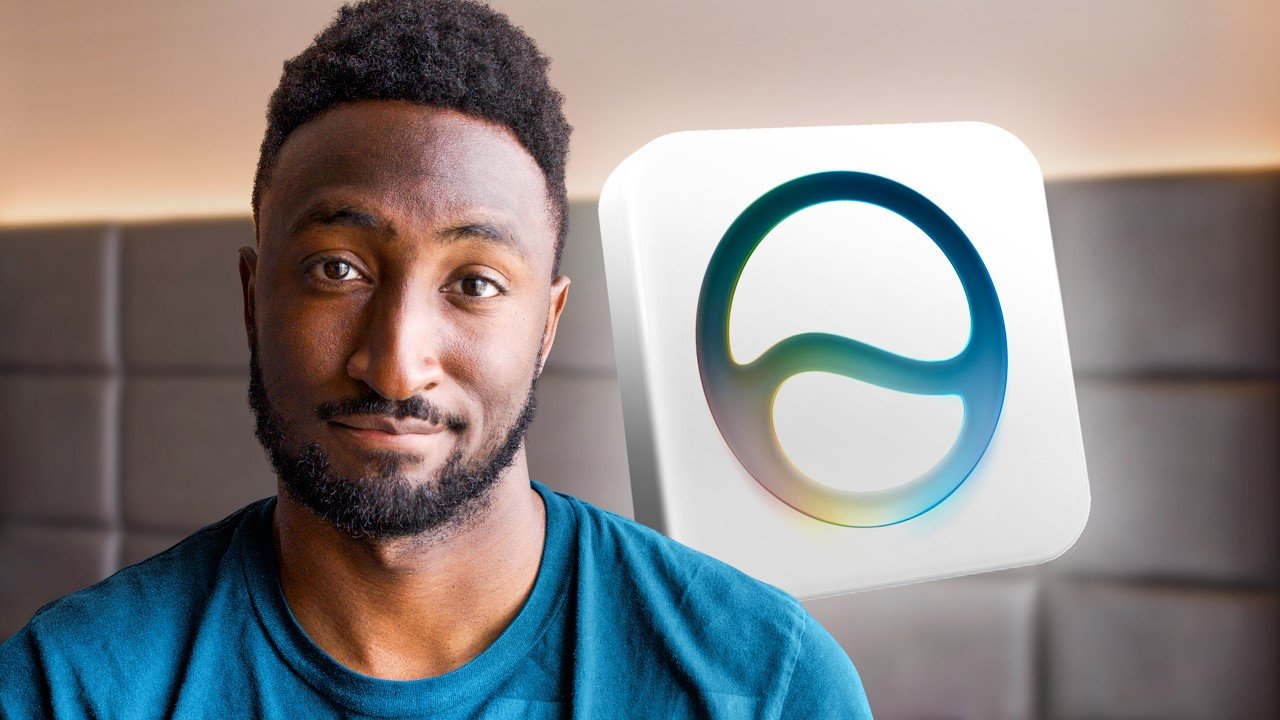
The bed was made before the camera started rolling. Marques Brownlee, reporting from a hotel room in California the evening of Apple’s WWDC 2026 keynote, noted that someone had advised him to tidy up first so things would look more put together. The metaphor, perhaps, was not lost on him when it came to what Apple just announced.
This year’s worldwide developer conference broke from recent form. Instead of leading with a cascade of new features stacked like pancakes, Apple opened with something quieter: a candid sweep through things that had quietly broken or slipped under the radar in recent software cycles. Battery drain, sluggish animations, readability bugs, inconsistent corner radiuses. The kind of polish that users had been grumbling about but rarely saw addressed in a keynote.
The part nobody asked for but everybody needed
Across iOS 27, iPadOS 27, watchOS, tvOS, and macOS Golden Gate, the headline improvements are largely invisible ones. Apps open faster. System animations are smoother. Spotlight indexing is described as more thorough. AirDrop, according to Apple’s own slide shown during the keynote, now transfers at 80 percent faster speeds. Brownlee’s reaction to that number was cautiously approving: faster is good, but only if AirDrop also becomes more reliable in the first place.
The visual side of things got some tuning too. Sidebar icons are getting their color back. App icon tweaks are in. Corner radiuses are being harmonized. And the Liquid Glass interface layer, which arrived with considerable fanfare in recent cycles, now has a transparency slider. Users can push it toward fully clear, a customization option that, as Brownlee pointed out, nobody specifically requested but that signals Apple is listening to the people who found the effect overdone.
One small announcement drew genuine appreciation: custom EQ settings are finally coming to AirPods. The world’s best-selling earbuds have shipped without user-adjustable equalization for years while every competing product offered it. It arrived without ceremony, buried in a grab-bag section of the keynote. Brownlee took it.
Vision Pro users get a notable addition: the ability to use their own panorama photos as immersive environments, replacing the small library of Apple-provided scenes like Yosemite and Mount Hood. Custom spaces are long overdue and quietly significant for how personal the headset experience can now feel.
A new Siri that knows what is on your phone and stops there
The main event, occupying the bulk of the keynote, was the rebuilt Siri and the broader Apple Intelligence rollout. Brownlee’s assessment after watching all the live demos was precise: it is exactly what Apple should have shipped, and it lands exactly down the middle of expectations. No surprises in either direction.
The new Siri can be triggered by swiping down from the Dynamic Island or holding the power button. It has a new visual style, a more expressive voice, and launches into a conversational mode backed by what Apple calls a broad world knowledge base, with cited sources that users can tap through to verify. Conversation history syncs across iPhone, iPad, and Mac through a new dedicated Siri app. The system does not save every single query, but retains conversations it judges likely to be worth revisiting.
Where Apple is playing a different game than Google or OpenAI is in device-level access. Siri can read through a user’s messages, photos, and calendar to pull answers and take actions. It can send messages, add calendar events, and set reminders. Claude, Gemini, and ChatGPT cannot touch that data because it never leaves the device. That single advantage is Apple’s core argument for why Siri belongs in the conversation with more powerful AI models.
The tradeoff is scope. Google demonstrated Gemini at its IO event weeks earlier doing what Brownlee calls ‘insane agentic stuff,’ including taking a photo of a concert poster and purchasing tickets automatically. Apple’s Siri will add the show to your calendar and stop. Brownlee was not critical of that choice. The failure modes for aggressive AI agents are real: wrong seats, wrong dates, unexpected charges, hallucinated details. The cautious version avoids all of that.
Third-party app support is more nuanced. Siri defaults to Apple’s own apps but can be directed to alternatives. Ask it to play a podcast and it defaults to Apple Podcasts. Tell it to use Spotify or Pocketcasts instead, and it will route the action there, provided the developer has implemented Apple’s app intents framework. Whether it can reach into a WhatsApp group chat or a Google Calendar event with the same fluency as its native equivalents is something Brownlee flagged as unresolved until he has beta software in hand.
The most pointed slide of the keynote listed which iPhones will run the most advanced on-device Siri models. The list is short: iPhone Air and iPhone 17 Pro, both of which carry 12 gigabytes of RAM. The iPhone 16, which Apple marketed specifically as being built for Apple Intelligence, does not make the cut for the full feature set. The difference for iPhone 16 users is the new Siri voice and updated dictation. Everything else requires newer hardware.
Beyond Siri, Apple announced Safari tab grouping by topic, automated through AI. Users can describe a Safari extension or a Siri Shortcut in plain language and the system will build it, with a full editor available afterward. Apple Home is finally consolidating clusters of notifications into a single summarized update. Photo editing now extends image edges outward by up to 25 percent using generative fill, and a spatial reframing tool uses depth data to reconstruct background perspective when an image is cropped or repositioned. High-use versions of these features, which draw on Apple’s cloud models, will be metered, with more usage tied to iCloud subscription tiers.
The Passwords app gained one of the more genuinely useful features of the event: it can now log into a website using a saved weak password, navigate to the account settings, change the password to a stronger one, and save the new credential automatically. It is elegant and extremely effective at keeping users inside Apple’s ecosystem, which Brownlee acknowledged openly is precisely the point.
The product naming, Brownlee noted, carries its own irony. The new macOS is called Golden Gate. If the walls of a walled garden are golden gates, the logic goes, perhaps staying inside feels less like a constraint. One product was conspicuously absent from the entire keynote: the HomePod. The Siri-powered smart speaker with capable audio hardware was not mentioned once.
And with ten minutes remaining in a keynote most viewers had been watching for over an hour, a developer tools slide appeared showing new utilities for apps that need to resize dynamically across multiple aspect ratios. Brownlee let the observation stand without spelling it out: that kind of tooling suggests hardware is coming that can fold.
The moment the transparency slider appeared and nobody quite knew what to say
Onstage, an Apple presenter demonstrated the new Liquid Glass slider, pulling it toward maximum clarity. The audience received it. Brownlee noted it with a dry acknowledgment that the option now exists. The slider sits there in the settings, ready to make the glass more glass-like, which is either a solution or a question depending on how you feel about glass in the first place.
Back in the California hotel room, bed made, camera on, the picture of this year’s WWDC is not one of dramatic leaps or awkward stumbles. It is Apple doing the maintenance work, shipping a Siri that functions as promised, and quietly naming its Mac operating system after a bridge that people walk across freely while remaining, by design, inside the city it connects.
Source: Watch original
This article was reported in June 2026.
OHN Editorial Note: This article is based on publicly available sources. If you spot an error or have updated information, contact us at editorial@onlyhappynews.com. We correct mistakes promptly.